class 9
Forms
HTML borrows the concept of a form to refer to different elements that allow you to collect information from visitors to your site.
Whether you are adding a simple search box to your website or you need to create more complicated insurance applications, HTML forms give you a set of elements to collect data from your users.
Why Forms?
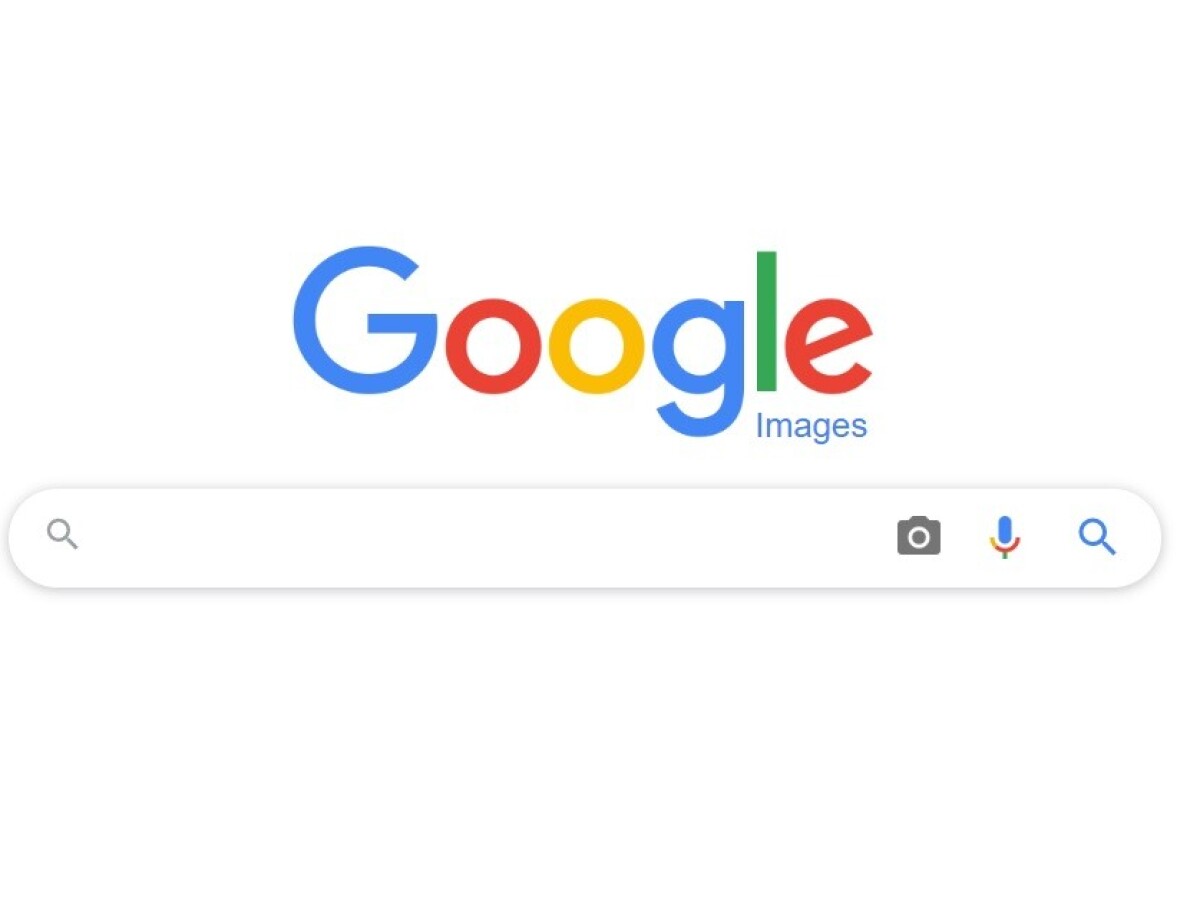
The best known form on the web is probably the search box that sits right in the middle of Google’s homepage.
Form Controls
There are several types of form controls that you can use to collect information from visitors to your site.
- Adding text
- making choices
- submittingforms
- uploading images
How Forms Work
A user fills in a form and then presses a button to submit the information to the server.
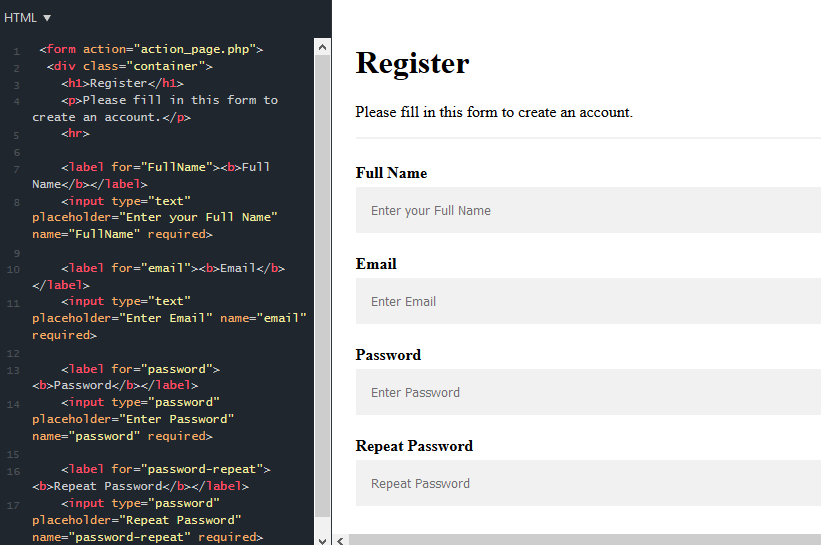
- Whenever you want to collect information from visitors you will need a form, which lives inside a
<form>element. - Information from a form is sent in name/value pairs.
- Each form control is given a name, and the text the user types in or the values of the options they select are sent to the server.
Lists, Tables & Forms
There are several CSS properties that were created to work with specific types of HTML elements, such as lists, tables, and forms.
bullet point styles
The list-style-type property allows you to control the shape or style of a bullet point (also known as a marker).
- Unordered Lists:
For an unordered list you can use the following values: none, disc, circle, square. -
ordered Lists:
For an ordered (numbered) list you can use the following values: decimal, decimal-leading-zero, lower-alpha, upper-alpha, lower-roman, upper-roman.
images For bullets
You can specify an image to act as a bullet point using the list-style-image property. The value starts with the letters url and is followed by a pair of parentheses. Inside the parentheses, the path to the image is given inside double quotes. This property can be used on rules that apply to the<ul>and<li>elements.
table properties
widthto set the width of the table.
paddingto set the space between the border of each table cell and its content.
text-transformto convert the content of the table headers to uppercase.
letter-spacing, font-sizeto add additional styling to the content of the table headers.
border-top, border-bottomto set borders above and below the table headers.
text-alignto align the writing to the left of some table cells and to the right of the others.
background-colorto change the background color of the alternating table rows.
:hoverto highlight a table row when a user’s mouse goes over it. - In addition to the CSS properties covered in other chapters which work with the contents of all elements, there are several others that are specifically used to control the appearance of lists, tables, and forms.
- List markers can be given different appearances using the list-style-type and list-style image properties.
- Table cells can have different borders and spacing in different browsers, but there are properties you can use to control them and make them more consistent.
- Forms are easier to use if the form controls are vertically aligned using CSS.
- Forms benefit from styles that make them feel more interactive.
Events
W hen you browse the web, your browser registers different types of events. It’s the browser’s way of saying, “Hey, this just happened.” Your script can then respond to these events.
Scripts often respond to these events by updating the content of the web page (via the Document Object Model) which makes the page feel more interactive.
HOW EVENTS TRIGGER JAVASCRIPT CODE
- Select the element node(s) you want the script to respond to.
- Indicate which event on the selected node(s) will trigger the response.
- State the code you want to run when the event occurs.
Together these steps are known as event handling.
Event flow
HtML elements nest inside other elements. if you hover or click on a link, you will also be hovering or clicking on its parent element.
Why flow matters?
The flow of events only really matters when your codehas event handlers on an element and one of it’s ancestors or descendant elements.
THE EVENT OBJECT
When an event occurs, the event object tells you information about the event, and the element it happened upon.
Every time an event fires, the event object contains helpful data about the event, such as:- Which element the event happened on
- Which key was pressed for a keypress event
- What part of the viewport the
user clicked for a c1i ck event (the viewport is the part of the browser window that shows the web page)
The event object is passed to any function that is the event handler or listener.
If you need to pass arguments to a named function, the event object will first be passed to the anonymous wrapper function (this happens automatically); then you must specify it as a parameter of the named function.
When the event object is passed into a function, it is often given the parameter name e (for event). It is a widely used shorthand (and you see it adopted throughout this book). Note, however, that some programmers also use the parameter name e to refer to the error object; so e may mean event or error in some scripts. - Events are the browser’s way of indicating when something has happened (such as when a page has finished loading or a button has been clicked).
- Binding is the process of stating which event you are waiting to happen, and which element you are waiting for that event to happen upon.
- When an event occurs on an element, it can trigger a JavaScript function. When this function then changes the web page in some way, it feels interactive because it has responded to the user.
- You can use event delegation to monitor for events that happen on all of the children of an element.